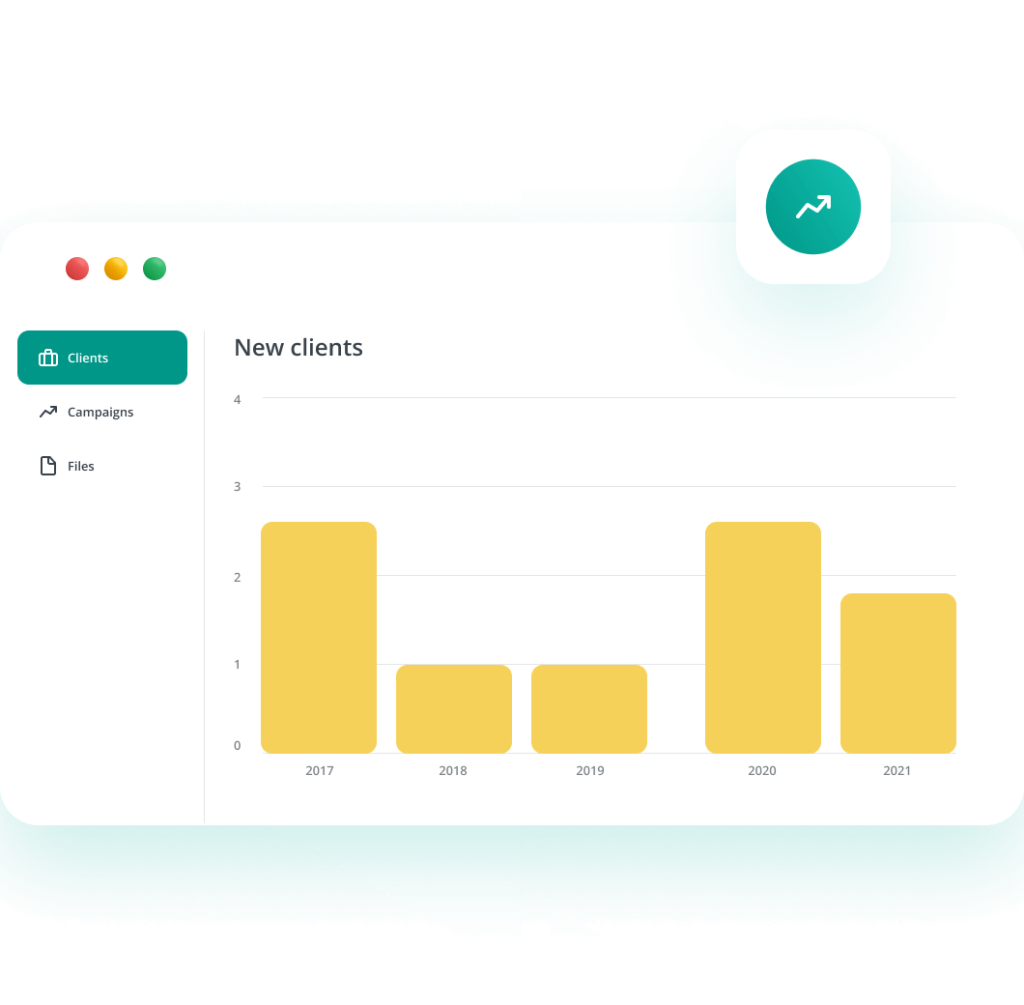
As a design professional, your success (and profits) depend on how carefully you spend your time. So how do you get a birds-eye view of your workload and make smart time management decisions?
No credit card required
Track your workload for ad campaigns
Use it to find out:
All actions applied to your files and preview pages are recorded. Keep full history of all actions.
Who received an email notification when you uploaded a new file? Easily track all email notifications.
The add-on is fully integrated within the platform and gives you all data the moment you need.
The price of the this add-on starts from $9 per month and is dependent on the plan you are subscribed to
Explore more Adpiler features
Show your ads in the right context: real websites.
Use your own logo and custom subdomain.
Present your full campaign, including all different ad types, to your client.
Comment and approve ads in a few clicks without hassle.
Manage all your clients and campaigns from within one platform.
Use any of 14 ad types for your campaign, including HTML5 and social mockups.
No credit card required
Share your first approvals page in minutes. Allow clients to download approved files from their link to send straight to publishers
Add your own logo and name OR your client’s. Group pages per client, project or campaign and stay organized
Upload revisions on the same preview link. Archive and retrieve past ads. Never lose track again
Save even more time with the Adpiler backup image generator. Static versions created for you based on your file uploads
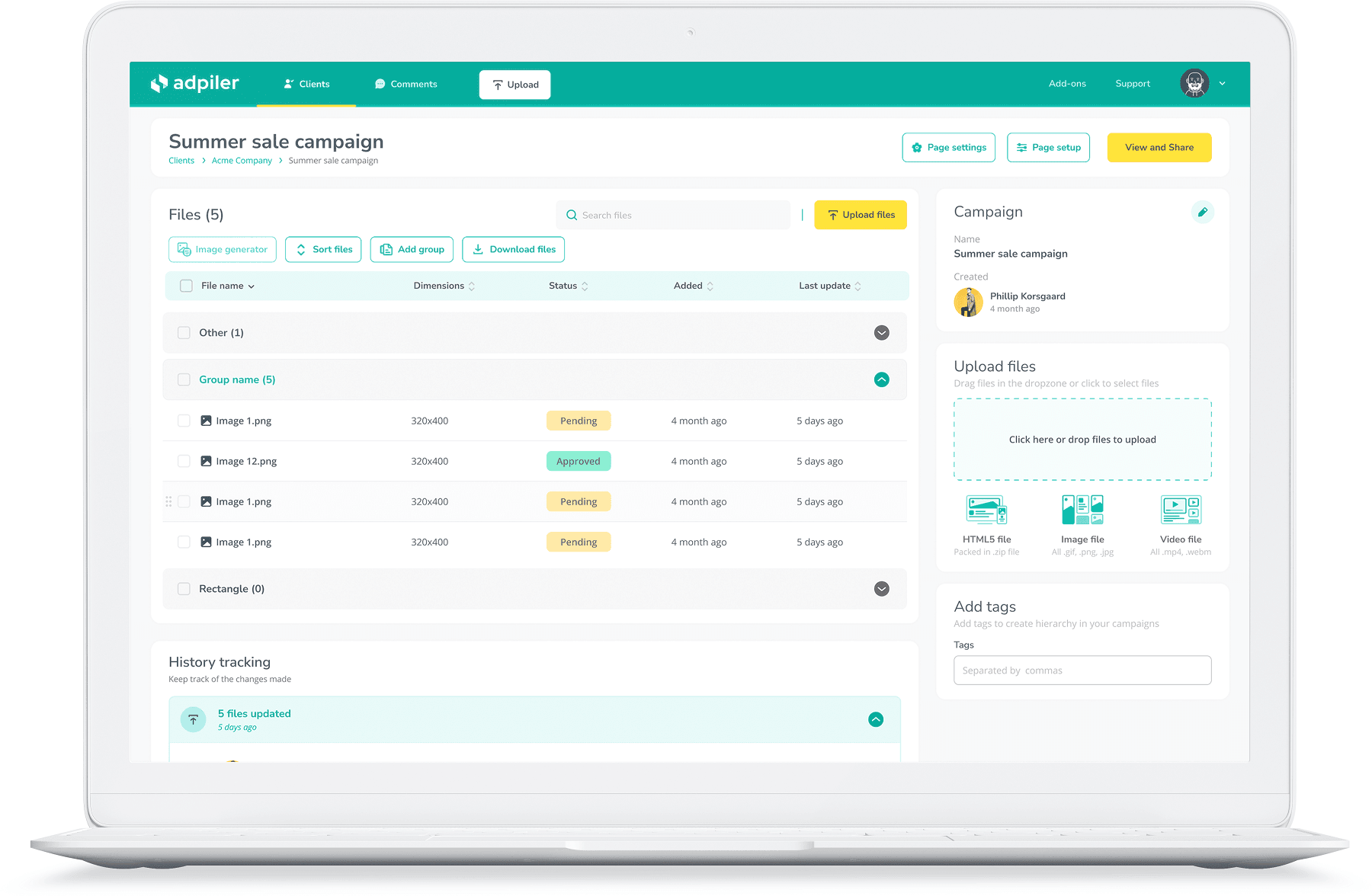
Analytics is an Adpiler add-on that shows your team’s ad production. You see the number of campaigns and files per client, and the output of every team member over a period of your choice.
It is an add-on, from $9 per month depending on your plan ($9 on Small, $19 on Medium, $24 on Large, $29 on Extra Large). You can try it during the 14-day free trial.
Yes. You can filter Analytics per client to see the number of campaigns and files for that client.
It shows which clients need the most revisions, so you can plan your team’s time and set clearer expectations in your quotes.